Creating BI Dashboards from Business Data: A Practical Guides
Rohit Awal
Developer
25 Feb, 2026|3 min
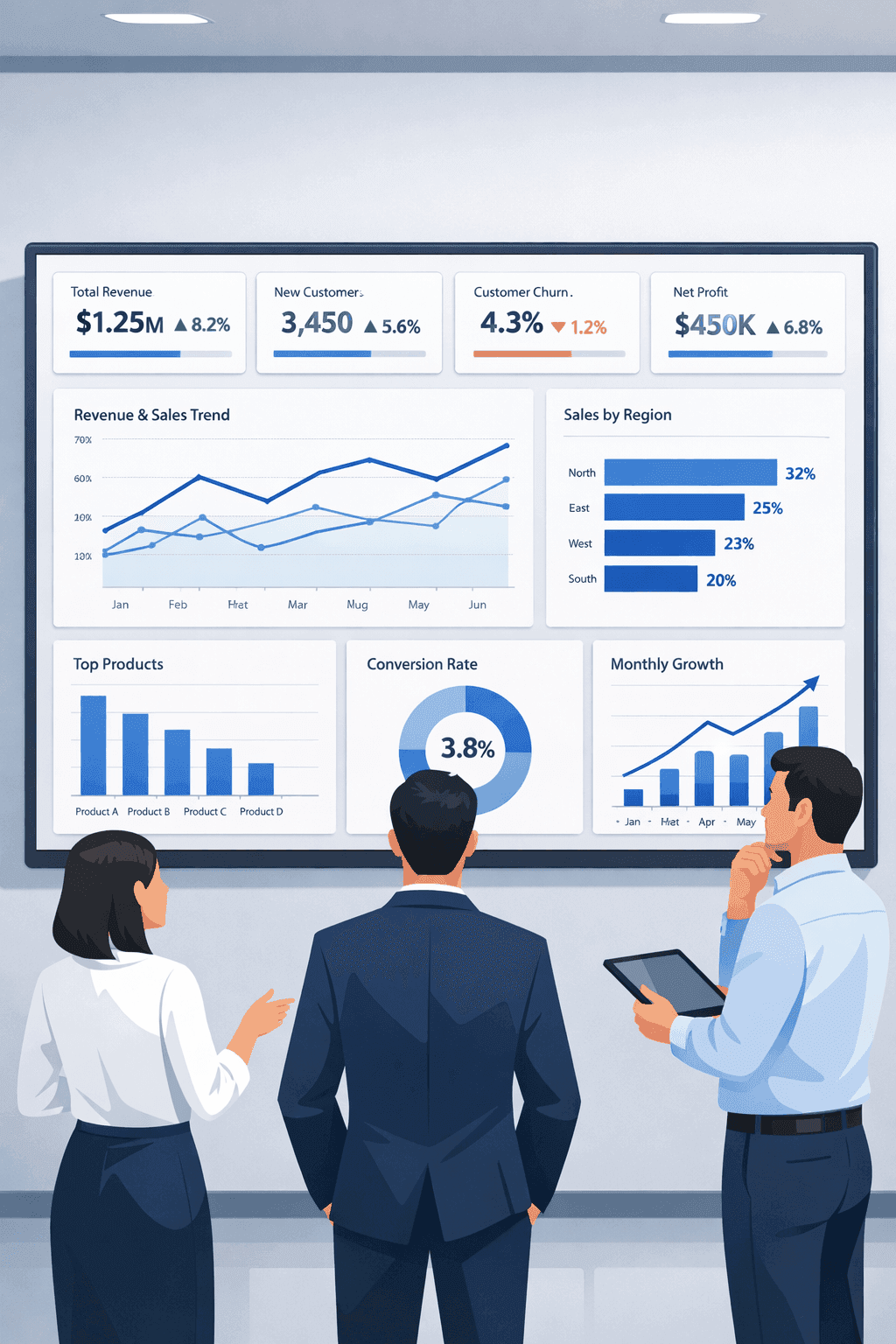
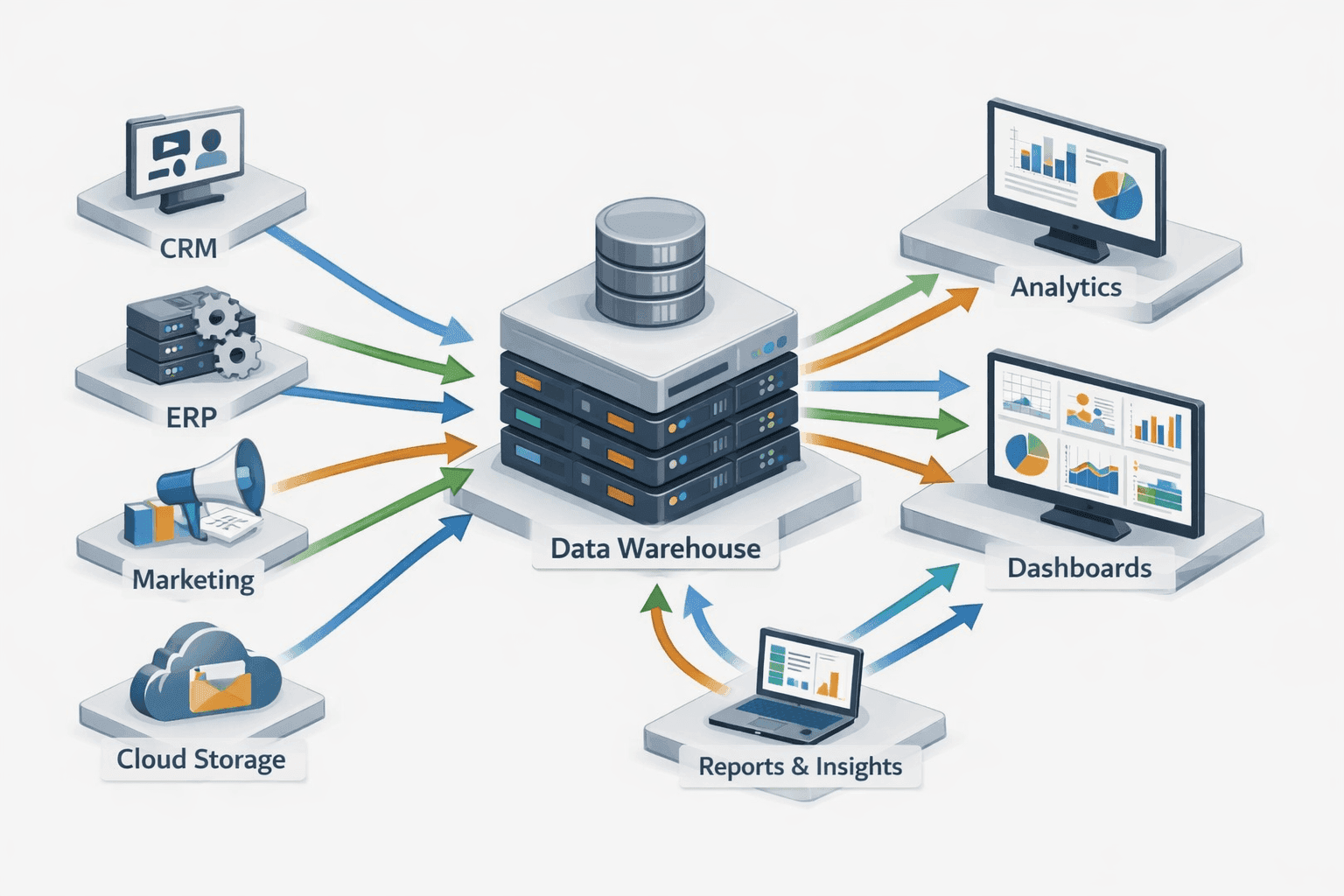
Organizations generate massive volumes of business data from CRM systems, ERP platforms, marketing automation tools, financial software, and operational databases. However, data without interpretation provides little value. Business Intelligence (BI) dashboards bridge this gap by converting raw business data into visual, actionable insights that support strategic and operational decision-making.
This guide provides a detailed, practical overview of how to create effective BI dashboards, covering data modeling, KPI selection, visualization best practices, BI architecture, and governance.
What Are Business Intelligence (BI) Dashboards?
A Business Intelligence dashboard is a centralized analytics interface that aggregates, processes, and visualizes data from multiple business systems to monitor key performance indicators (KPIs) and trends.
happy happy happy
Sad sad sad
Core BI dashboard components:
Data connectors (CRM, ERP, databases, APIs)
ETL / ELT pipelines
Semantic or data modeling layer
KPI definitions and calculations
Visual analytics and interactivity
Role-based access control
BI dashboards are used across executive, operational, analytical, and tactical levels.
Importance of BI Dashboards in Modern Enterprises
Key business benefits:
Real-time business performance monitoring
Improved data-driven decision-making
Reduced manual reporting effort
Consistent KPI measurement across departments
Increased operational efficiency
Enhanced forecasting and planning accuracy
BI dashboards enable organizations to shift from reactive reporting to proactive insight-driven strategies.
Step 1: Define Business Objectives, Use Cases, and KPIs
Successful BI dashboards begin with clear business alignment.
Key questions:
What business problem does the dashboard solve?
Who is the target audience (C-suite, managers, analysts)?
What actions will users take based on the dashboard?
KPI framework:
KPIs should be:
Relevant to business goals
Measurable and data-driven
Consistently defined
Actionable
Examples of business KPIs:
Revenue growth rate
Gross margin
Customer lifetime value (CLV)
Churn rate
Conversion funnel metrics
Operational cycle time
Inventory turnover ratio
Poorly defined KPIs lead to misinterpretation and loss of trust.
Step 2: Business Data Sources and Data Integration
Common enterprise data sources:
CRM systems (Salesforce, HubSpot)
ERP platforms (SAP, Oracle, NetSuite)
Marketing tools (Google Analytics, Ads platforms)
Financial systems
Supply chain and logistics software
Cloud data warehouses
Data integration techniques:
API-based ingestion
Database replication
Batch ETL pipelines
Real-time streaming pipelines
Key data quality dimensions:
Accuracy
Completeness
Consistency
Timeliness
Validity
High-quality data is foundational to reliable BI reporting.
Step 3: Data Modeling for BI Dashboards
Data modeling transforms raw data into analytics-ready structures.
Common BI data models:
Star schema
Snowflake schema
Fact and dimension tables
Fact tables:
Store measurable business events (sales, transactions, visits)
Dimension tables:
Store descriptive attributes (date, customer, product, region)
Proper data modeling improves:
Query performance
Metric consistency
Dashboard scalability
User self-service analytics
Creating BI Dashboards from Business Data: A Practical Guides